- Home
- ›PDF to Word
Free PDF to Word Converter
Convert PDF to Word online for free. Turn your PDFs into fully editable Word documents in seconds while keeping your PDF’s formatting intact. No installation needed.
- Trusted by over 1 billion users since 2013
- Free PDF to Word converter—no account creation required
- Convert PDF to Microsoft Word on Mac, Windows, Linux, iOS, and Android

Fast PDF to Word Conversion With No Signup
No software to install, no email or account required to try it. Drop your file in and convert PDF to DOCX online in seconds.
Clean, Familiar Format
Smallpdf’s converter gives you a standard DOCX file that opens in Microsoft Word, Google Docs, and most Word processors. Edit, comment, and share right away.
Great for Reuse and Collaboration
Converting a PDF to Word makes it easier to copy sections, reuse templates, and collaborate with teammates by using track changes and comments.
Convert to Word on Any Platform and Device
Our PDF to Word converter is browser-based. Convert on Mac, Windows, Linux, iOS, or Android while retaining your PDF’s original formatting.
Safe & Secure Converter
Smallpdf is GDPR compliant and ISO/IEC 27001 certified. TLS encryption protects your files during transfer, and documents are automatically deleted an hour after processing (unless you choose to store them).
How to Convert PDF to Word Online for Free
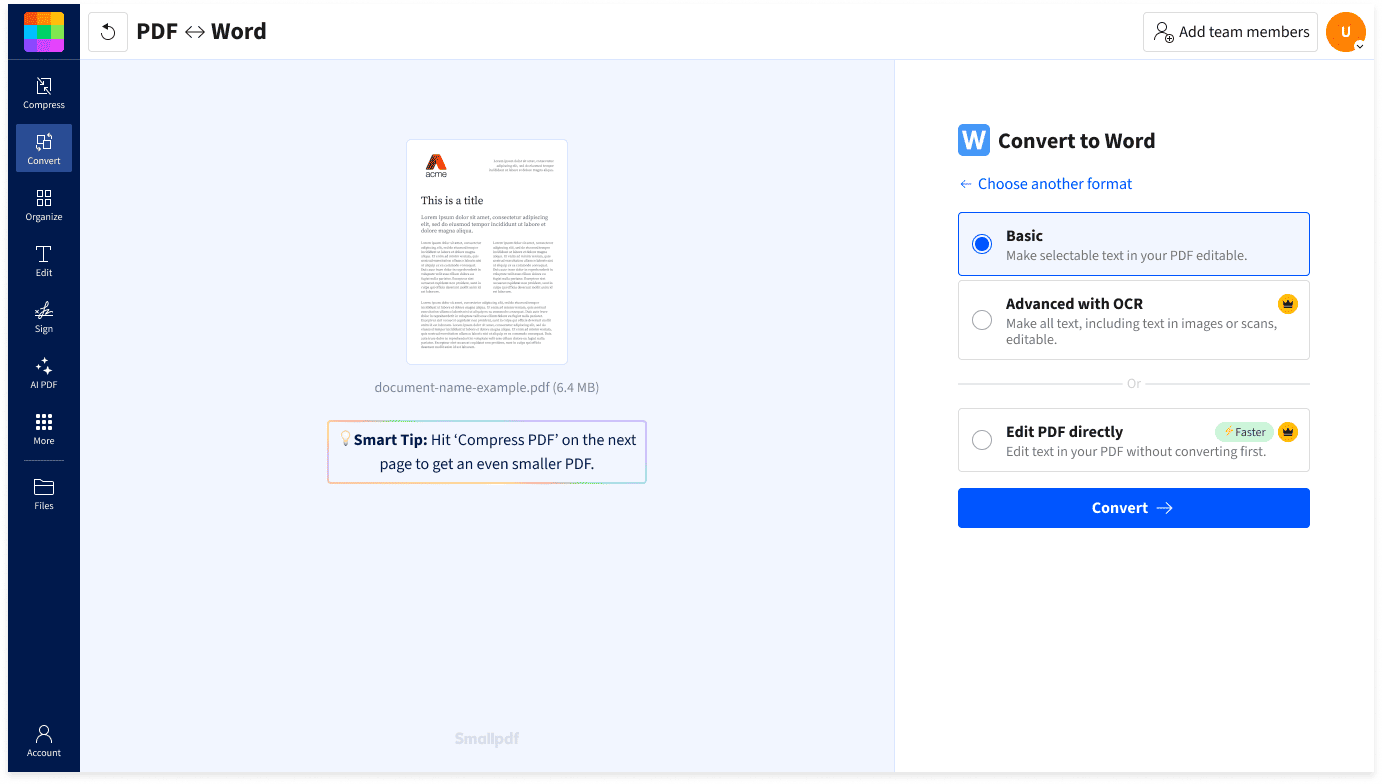
- Drag & drop your file into the PDF to Word converter.
- For scanned PDFs, select the “OCR” option (Pro feature).
- Click “Convert” and wait a moment as your PDF transforms to DOCX.
- Download or share your converted Word doc.
FAQs About Smallpdf’s PDF to Word Converter
Can I convert PDF to Word for free?
Yes. You can convert PDF to Word for free without signing up. A Pro plan unlocks unlimited conversions and access to over 40 additional PDF tools, including OCR. You can try it all for free with a 7-day trial.
Can I convert to other Microsoft Office formats?
You can! Our PDF converter effortlessly handles conversions between Word (DOC, DOCX), Excel (XLS, XLSX), PowerPoint (PPT, PPTX), and various image formats.
Can I convert PDF to Word on Mac or mobile?
Yes. Upload your PDF in any browser on Mac, Windows, Linux, iOS, or Android and convert it online. No installation needed. You can also try our free Smallpdf mobile app for iOS and Android.
Can I use the PDF to Word converter for free offline?
Yes. With the Smallpdf Windows app, you can convert PDF to Word and other formats without an internet connection.
Is Smallpdf safe to use?
Yes, Smallpdf is safe and secure. Smallpdf is GDPR compliant and ISO/IEC 27001 certified. Your files are protected with TLS encryption during upload and download, and automatically deleted after one hour of processing (unless you choose to save them to your Smallpdf account).
How to convert a large size PDF into Word?
Use the PDF to Word tool on Smallpdf. Upload your PDF, and we’ll take care of the rest. If the file is too large, compress it first using the Compress PDF.
How do I insert a large PDF into a Word document?
Convert your PDF to Word using Smallpdf, then paste the content into your document. Alternatively, use Word’s built-in “Insert” feature to add the PDF as an object or image.