- Home
- ›AI PDF Assistant
AI PDF Assistant
Ask questions, summarize content, and complete common PDF tasks online with help from AI. Upload your PDF and tell the AI Assistant what you need—no software or sign-up required.
- Ask questions or request PDF actions
- Start for free with no sign-up
- Secure browser-based file processing
How To Use the AI PDF Assistant
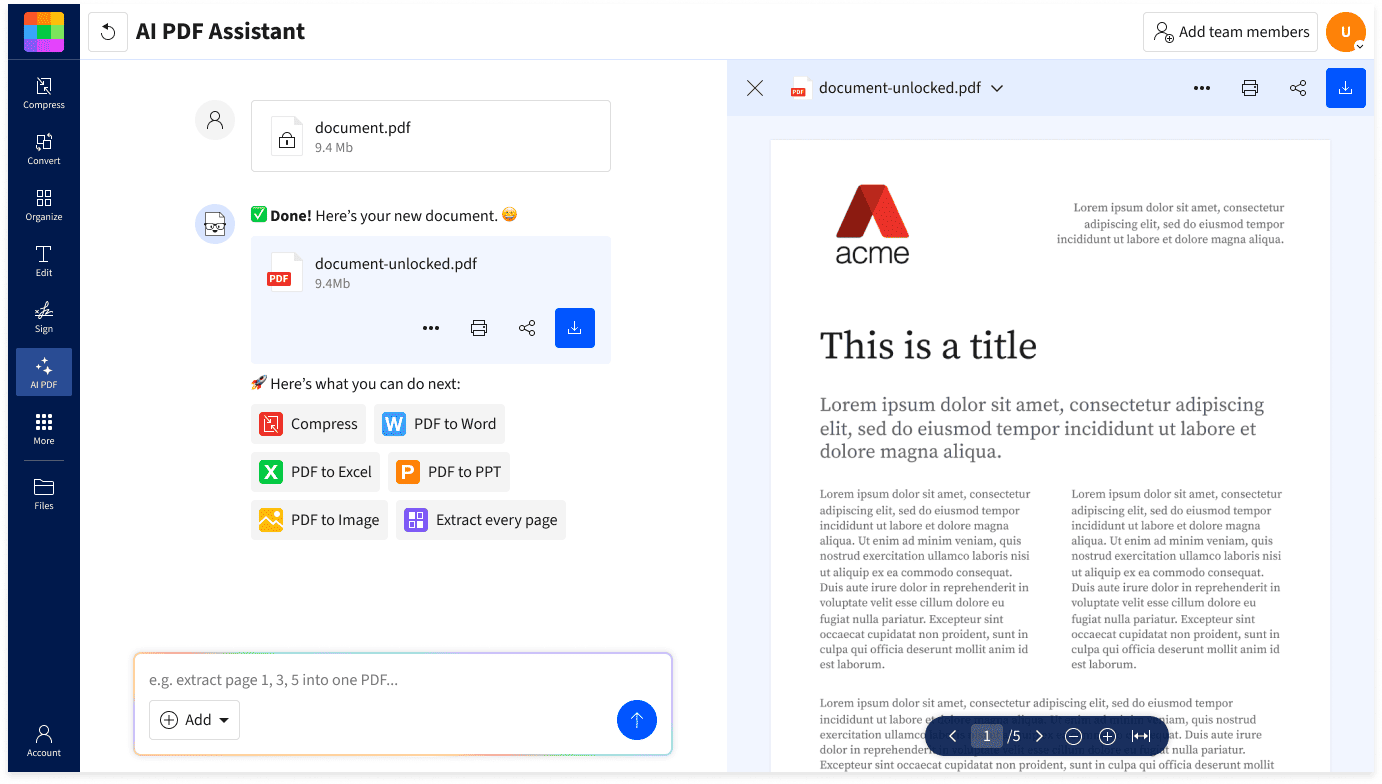
- Upload your PDF to the AI Assistant.
- Select a suggested action, or type your request.
- Wait while the AI Assistant answers your question or completes the requested task.
- Continue the conversation or choose another suggested action.

Summarize PDFs in Seconds
Get the info you need without the read. Summarize long PDFs into concise overviews so you can quickly focus on what really matters.
Ask Anything With AI Chat
Ask questions about contracts, reports, eBooks, or other PDF content and get clear answers based on the document. Review the relevant passages when you need more context.
Generate Questions in One Click
Turn reports or study material into quiz questions and answers. Use them to check your understanding, revise for an exam, or prepare for a meeting.
Translate Without Leaving Your PDF
Translate PDF content into another language without copying it into a separate app. You can request a translation of the document or a shorter translated summary.
Continue With Suggested PDF Actions
Choose a suggested next step or tell the Assistant what you want to do next. You can continue working on the document without starting over in another tool.Faster, Easier Interaction
Type your request in everyday language instead of searching through menus. The AI Assistant interprets your instruction and responds with an answer or the relevant PDF action.
AI PDF Assistant FAQs
What is an AI PDF reader, and how does it work?
An AI PDF reader is like an intelligent version of a regular PDF reader. It's not just for reading PDFs, it helps you transform documents into useful knowledge, like summarizing long documents, translating text, or even answering questions about the content.
Can I use an AI PDF reader to summarize documents?
Absolutely! The best AI PDF readers can quickly generate summaries of long documents. For professionals, it can speed up meeting prep. For students, it can supercharge studying. Ask for the gist or request a bullet point list, you get the main points without reading every single word.
Are Smallpdf's tools safe and secure for sharing sensitive info?
Absolutely. Smallpdf uses top-tier TLS encryption to protect your files during upload and download, and all files are deleted from Smallpdf's servers when you're done. They're also ISO/IEC 27001 certified and GDPR compliant, so you can rest assured that information security and data privacy are top priorities. Over 2.4 billion users have trusted Smallpdf's PDF tools for over a decade.